



What is Google Cloud Storage?
This article will contain the following points:
- What is Google Cloud Storage?
- Fundamental of Google Cloud Storage.
- How data is secure in Google Cloud Storage?
- Features of Google Cloud Storage?
What is google cloud storage?
Google cloud storage is a service that stores the objects in the Google cloud. It is an online file storage web service that stores the data. You can access your data on the google cloud platform. Google cloud storage stores your object in the google cloud platform. An object is an immutable data piece that consists of the file of any format. The container which contains your object is known as buckets. The bucket is a collection of objects and you can clump your buckets into an organization.
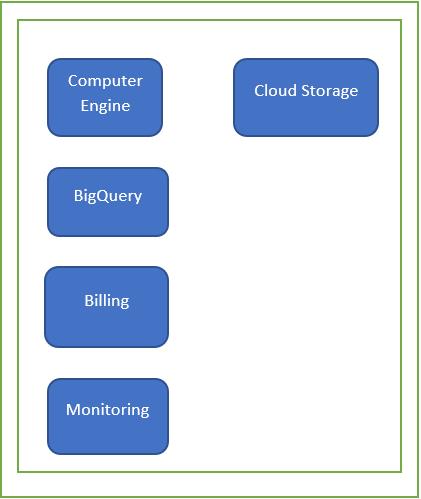
Cloud Storage structure is somewhat similar to this diagram shown below:
It provides an Infrastructure as a Service. The google storage service collaborates the performance and flexibility with pro security features and sharing capabilities.
The fundamental way through which you can interact with Google cloud storage:
- Console: It is basically a virtual interface. It allows you to manage your data in the browser.
- gustil: It is a command-line interactive tool. You can interact with Google cloud storage through the terminal. You can download Google SDK for other google cloud services. The Google SDK includes gustil and gcloud tools for other services.
- Client Libraries: It allows you to manage your data in any of your comfortable languages. The language in which you can manage are C++, C#, go, Node.js, Java, PHP.
- Rest APIs: You can also manage your data using the JSON and XML API.
How did Google Cloud assure the security of your data?
Google cloud persuade that your data is secured in Google Cloud. When you upload your document or object to Cloud storage, you have full control in terms of security norms. It is in your hand completely how you want to control your data to make it more secure and to whom you want to share your data. The ways in which you can provide security to your object:
- Data encryption Technique: It uses server-side encryption for encrypting the data by default. You can use other techniques to encrypt your data such as customer-managed encryption keys and customer-supplied encryption keys.
- Authentication: The people who have your document access have your credentials. This ensures that your data is in the safe hand and it won’t be encrypted.
- Bucket lock: It controls the life of an object in the bucket. It means it keeps that charge under the retention policy.
Features of Google Cloud storage:
Interoperable: It is interoperable with other cloud storage tools and services.
Access Control: It manages objects and buckets with access control lists. Each list has permission for accessing an object. That group can access the bucket only up to the permissions they have from the head.
Resumable Uploads: It means you can stop the uploads if there is any data failure that occurred.
