


Trust me this feature will help you a lot if you also share photos as an attachment in your email body.
What's changing?
With this feature, you can save your email body photos directly to Google Photos with a new "Save to Photos" button.
Now when you get a photo attachment in a Gmail message, You’ll see it next to the existing “Add to Drive” button on the attachment and while previewing the image attachment.
Currently, this feature is only available for JPEG images.
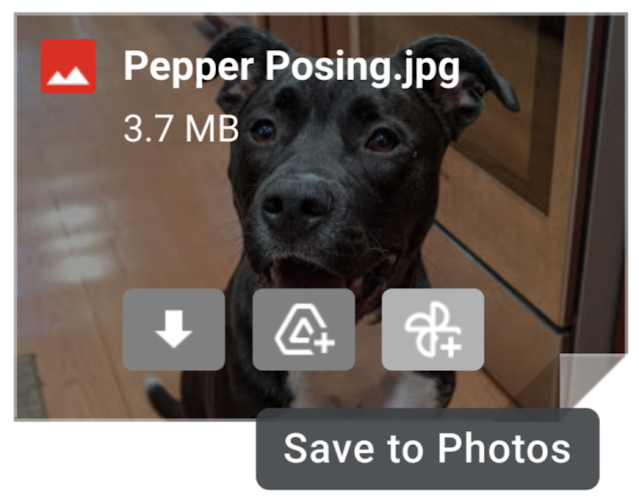

Image Source: Google Blog
Save photos from a #Gmail message directly to @googlephotos 📷. Learn more → https://t.co/nM5XfFd9W9 pic.twitter.com/8kiPe20pB3
— Google Workspace (@GoogleWorkspace) June 21, 2021