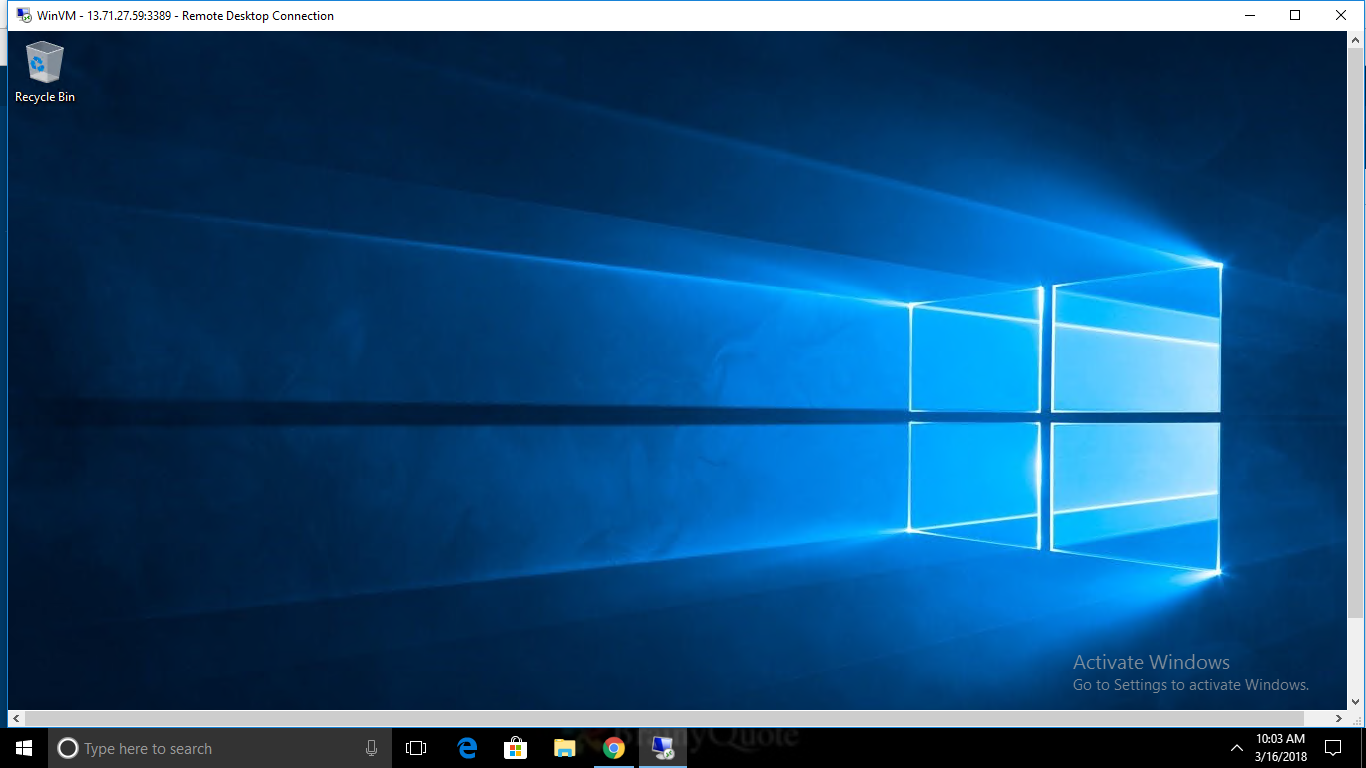
In This Article, we'll Create a Virtual Machine using Azure, So you just need to follow the Following Steps along with me and I hope you'll be able to do the same. First, you need to understand what is azure and it services if you new to Microsoft Azure, so follow this Article: What is Azure
A virtual machine (VM) is a software program or operating system that not just shows the conduct of a different PC but on the other hand is fit for performing undertakings, for example, running applications and projects like a different PC. A virtual machine, typically known as a visitor is made inside another registering condition alluded to as a "have." Multiple virtual machines can exist inside a single host at once.
Azure Virtual Machines are image service cases that give on-demand and scalable computing resources with use based valuing. All the more comprehensively, a virtual machine carries on like a server: it is a PC inside a PC that gives the client a similar encounter they would have on the host operating system itself.
Step 1: Create a Virtual Machine by clicking, New > Compute > Windows Server 2016.

Step 2: Set the basic credentials for Virtual Machine like name, username, and password you want to set for administrator in your VM instance and click OK.
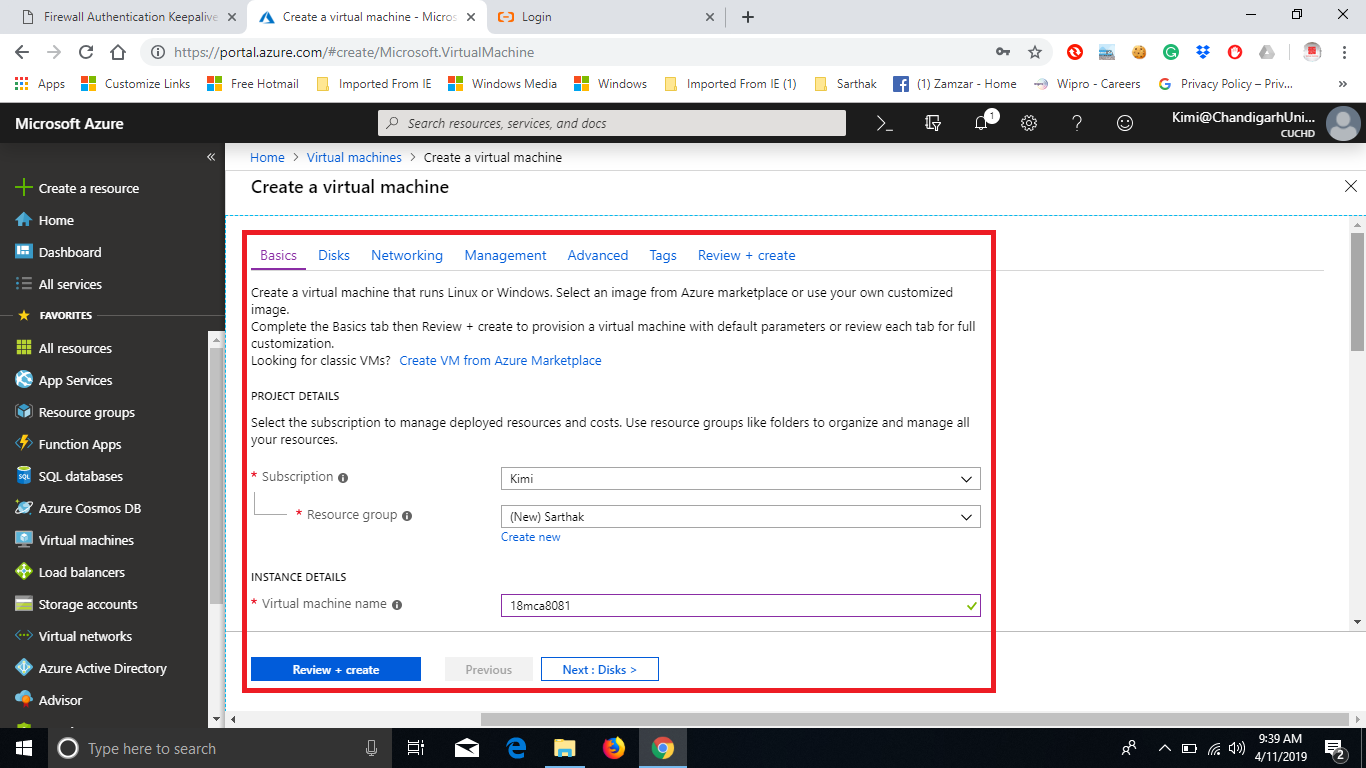
Step 3: Select the storage type and amount as per your need, we are going with default values and click OK.

Step 4: Now, a summary page will appear to describe all settings about the VM now click on Create.
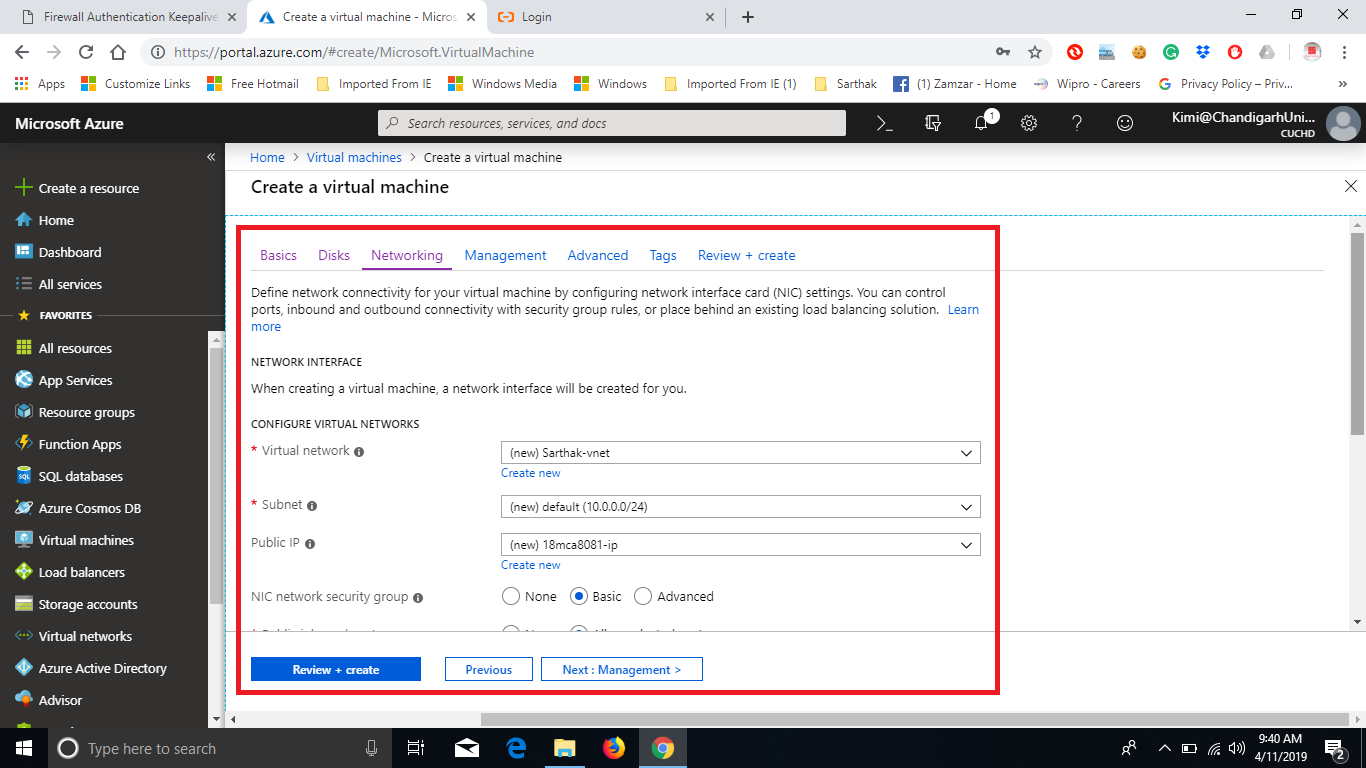
Step 5: As soon the VM gets deployed, open the Overview page and click on connect to download the Remote Desktop Profile.
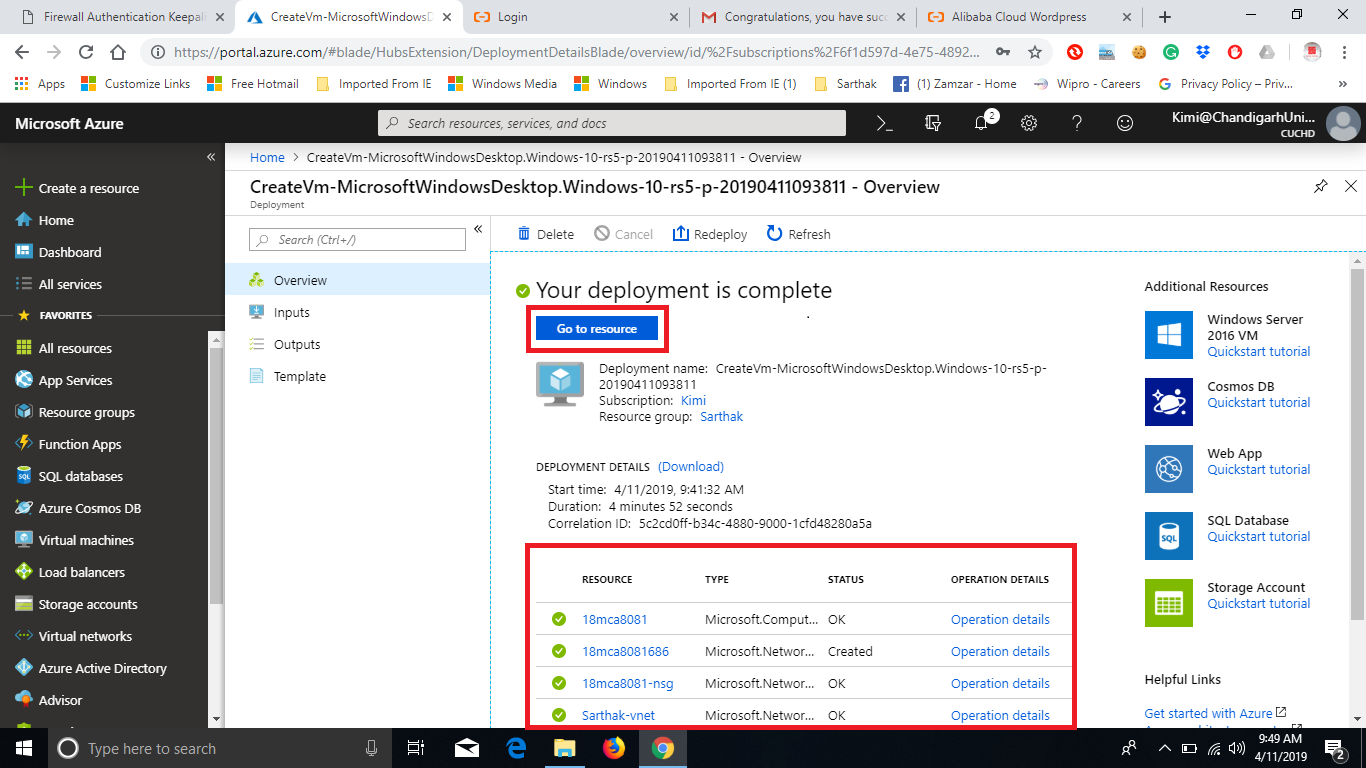
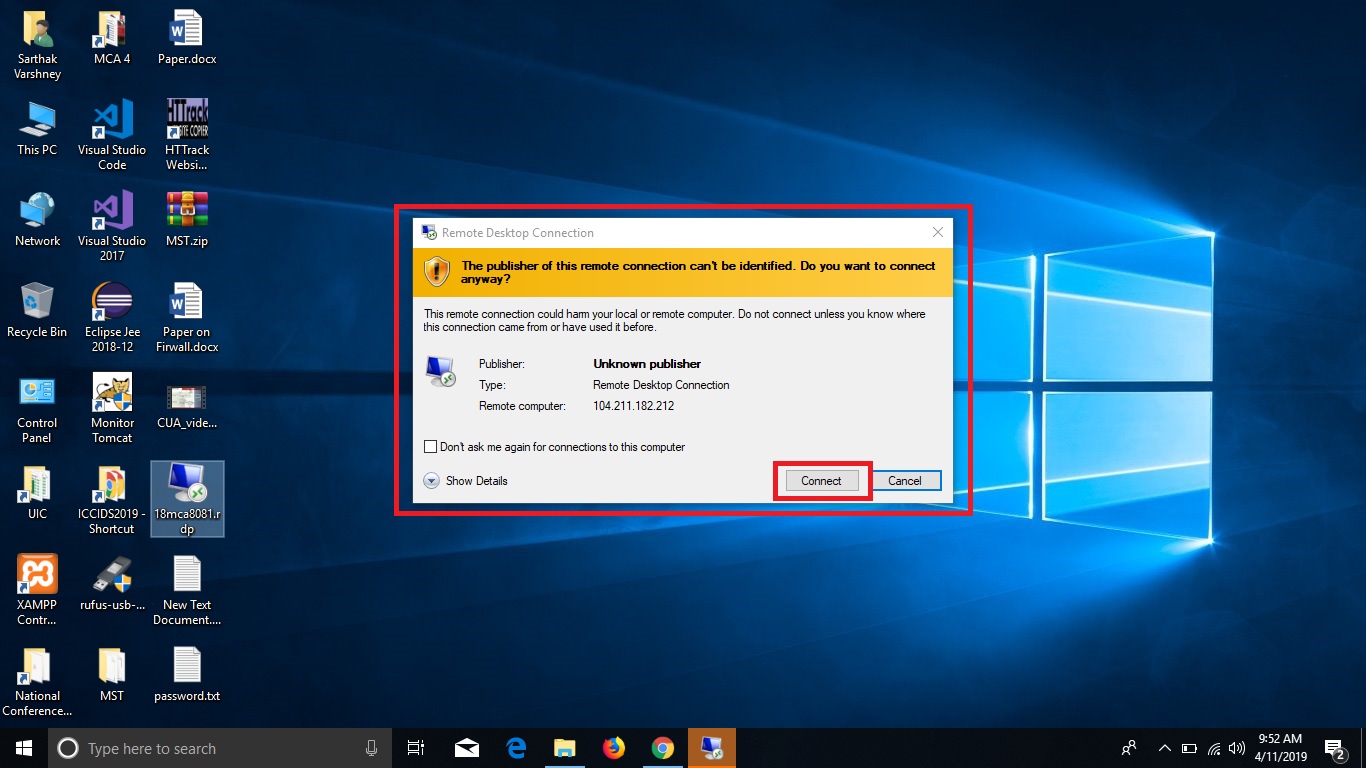
Step 6: Now open the Remote Desktop Profile to Connect to Remote Machine, double click the profile and wait for the connection to be created.
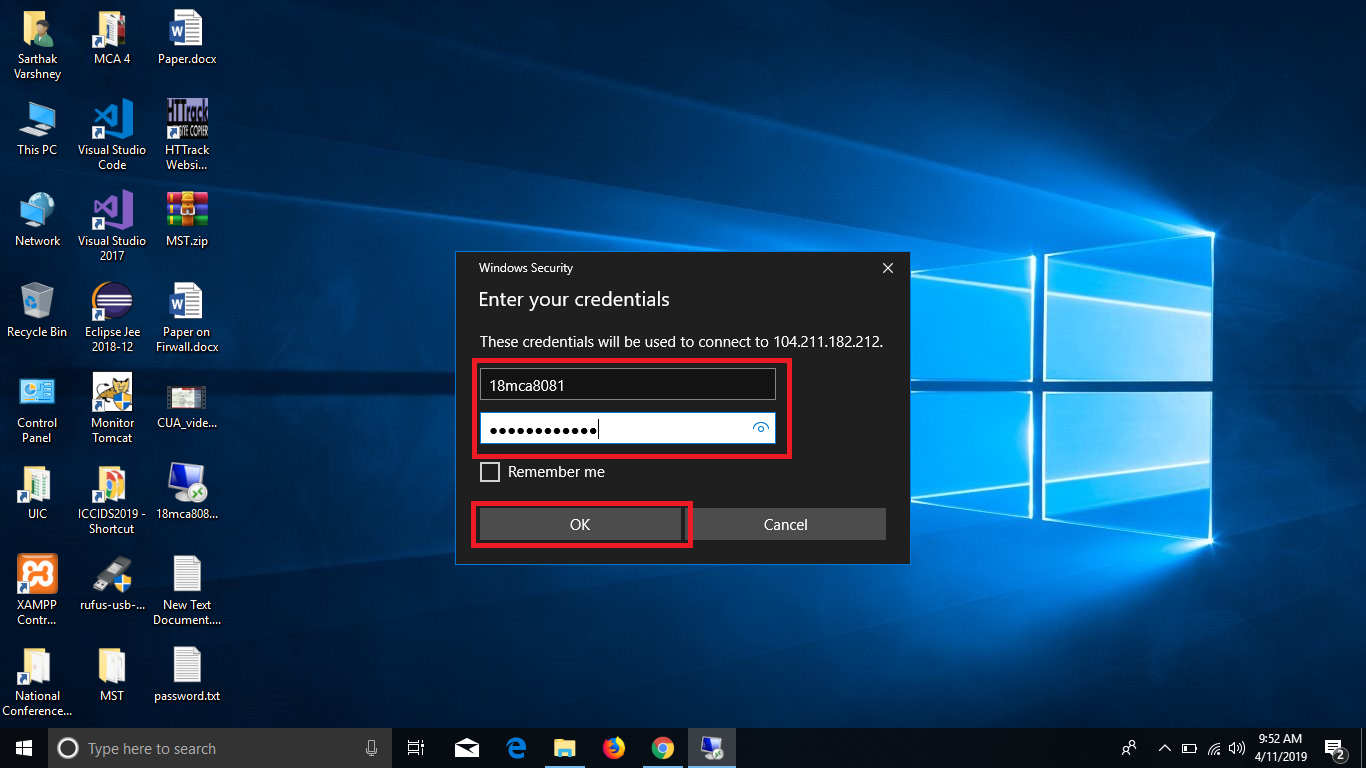
Step 7: Now enter the username and password you set at the time of the creation of instance to log in to the VM.
Output: